
XTEINK X4 - a pocketable, affordable doomscrolling cure
I don't read as much as I should. With my attention span shot to shit by years of social media scrolling and instant gratification content, sitting down and making time and space for reading has always felt like too difficult a task.
I can dedicate 10 hours over a weekend to play a video game, a whole evening to bingeing one TV show, or an hour long lunch break to scrolling through Bluesky or Reddit. Somehow opening a book and reading a chapter or two has always felt too complicated. Like the conditions need to be perfect, and so it's not even worth trying.
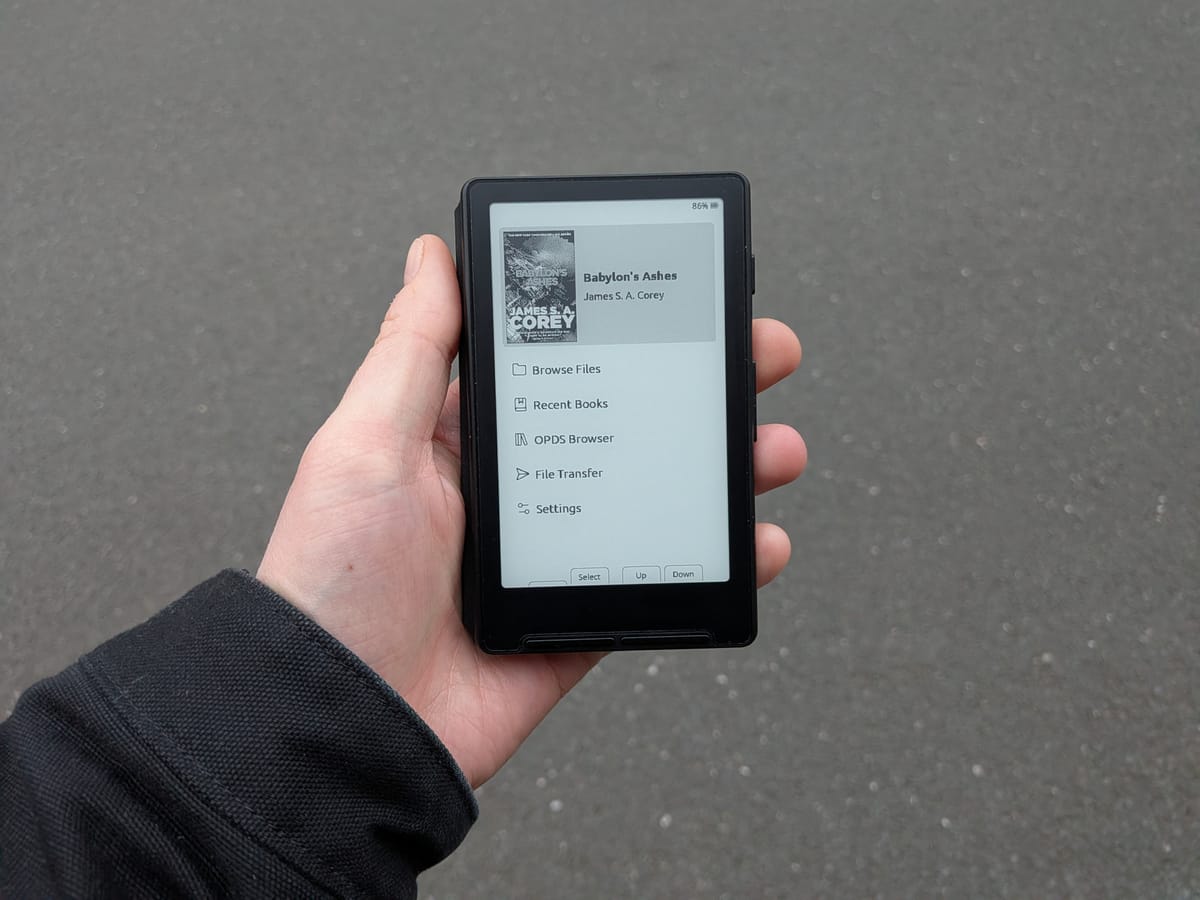
Anyway, in the past month I've read 4 books. Why the sudden change of heart? Let me introduce you to the XTEINK X4.
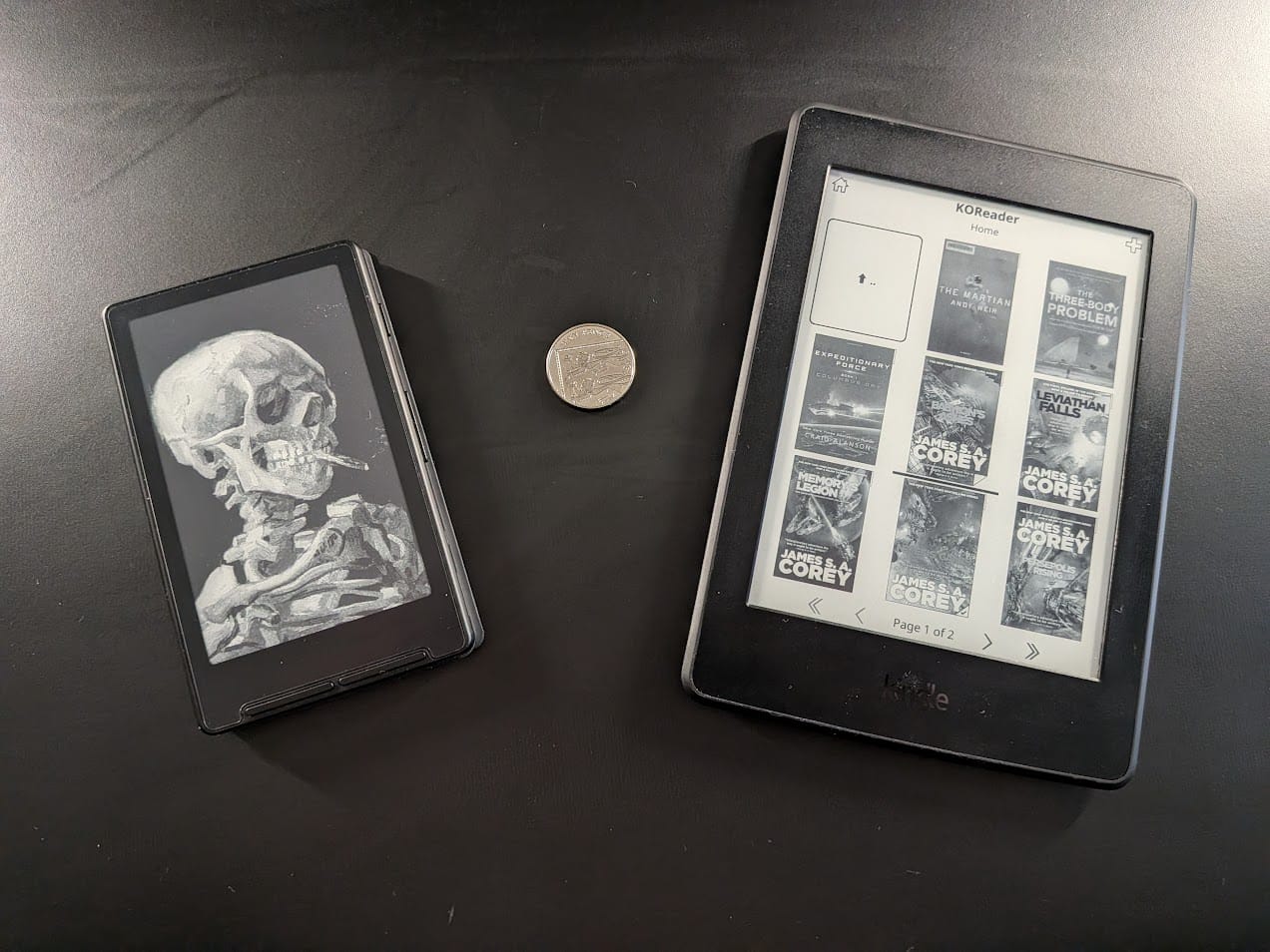
This pocket-sized eReader has a 4.3in eink display, no touchscreen (in favour of buttons, yuck), and no frontlight for bedtime reading. There's no built-in store to browse and buy ebooks from, and even when you do load your own EPUB files onto its default firmware, it struggles with formatting the English language correctly. On paper, the XTEINK X4 should not (and in many ways does not) work.
It is not designed to be your main reading tool, it has been created and marketed as a supplementary device. It even has a magsafe ring hidden in the back of the device that the adverts strongly suggest you use to stick it to the back of your phone at all times, like an accessory.
The hardware is affordable at around £50 from the XTEINK site (or even less from AliExpress), the ESP32 microcontroller that powers it is very hackable and well supported, and the relatively light feature set make this an enticing option for people trying to re-introduce some analog back into their digitally immersed lives.
What the X4 does best, despite the negatives listed above, is fit into my day to day life with ease. It's small enough to fit surreptitiously into my trouser or shirt pocket on the way to the toilet at work, without alerting anyone to what I plan on doing, or how long I plan on doing it for.
It takes up very little space on my person and loads so quickly that it's become second nature to break it out and read a few pages, usually in situations where I might have opened my phone to scroll. Now, if I'm on a lunchtime walk, waiting at the doctors surgery, or just find myself with a spare 5 minutes, I'm reaching for the X4 without pre-planning to have it on me.
I won't pretend that this is the only device I've been reading on. My jailbroken Kindle Paperwhite 3 from 2015 is my home reader of choice, with a larger, frontlit screen for cosy bedtime reading. I drive a lot for work, so my self-hosted audiobook server lets me seamlessly pick up from where I last finished reading longer journeys.
But even though I always had those options, I wasn't reading. I was making excuses. The XTEINK X4 is the device that's broken through and given me something to reach for other than my phone, because it's just as convenient as my phone ever was.
When I'm using my phone, I am accessible. A work email, a phone call, a reminder of something I have to do that evening. It's hard to take a break from stresses and responsibilities, because there is a computer in your hands at all times that tethers you to that reality. It's freeing to have a tiny escapism device on you at all times that doesn't ask for more than it gives in return.
Crosspoint & the community
It's not just the pocketability that makes this cheap, somewhat fragile device worth paying attention to. It's the potential for greatness that makes the X4 so compelling.
This potential is what has driven the community completely mad for this little eink gadget, and thanks to that lovely combination of open hardware and a passionate userbase, we get to reap the benefits of a dramatically improved product through community-developed custom firmware, projects and resources.
X4 owners can immediately fix so many of the devices failings by flashing the Crosspoint custom firmware. This open-source alternative to the XTEINK stock firmware is feature-rich, easy to install and in active development.
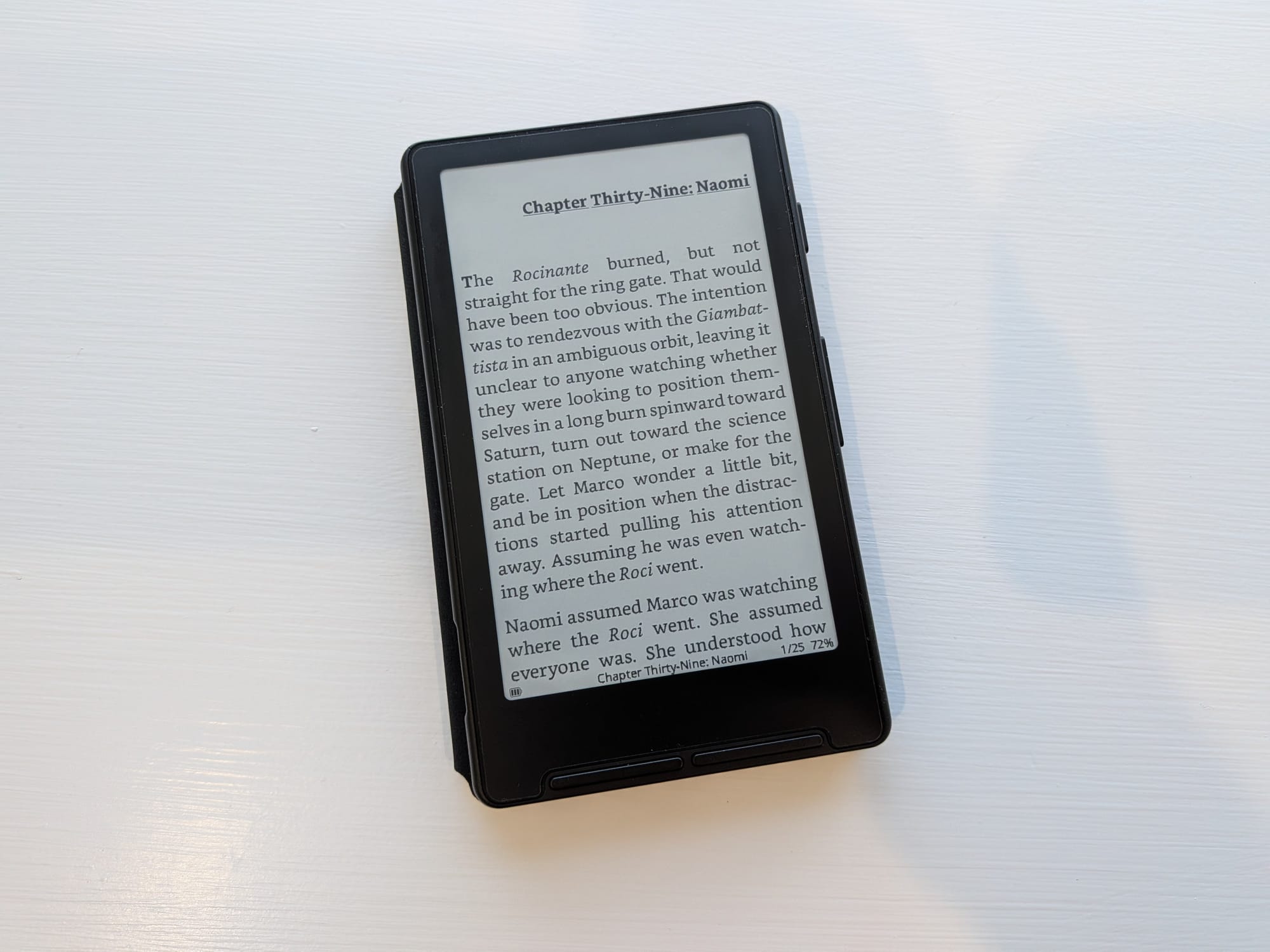
Crosspoint can handle more ebook filetypes than the stock reader, with much better formatting of English text while also tackling special characters and images with ease.
It also enables wireless file management, with a few different options. You can connect directly via a web interface to load books from your phone or laptop, to your Calibre library for one-click transfers, or it allows you to pull ebooks from the internet via an OPDS server. Crosspoint also supports KOReader sync for updating your progress per book across multiple reading devices, formats and apps.
There are over a dozen alternative firmware options that have been developed for the X4 and it's even smaller sister, the X3. Many are forks of Crosspoint that are tailored to some more niche use cases and features.
Crosspet, for example, adds an additional metagame to your reading, where finishing books feeds a virtual pet that lives on your home screen. Sumi takes a different approach, with no wifi connectivity, but a built-in Game Boy emulator that is actually quite well suited for the monochrome display.
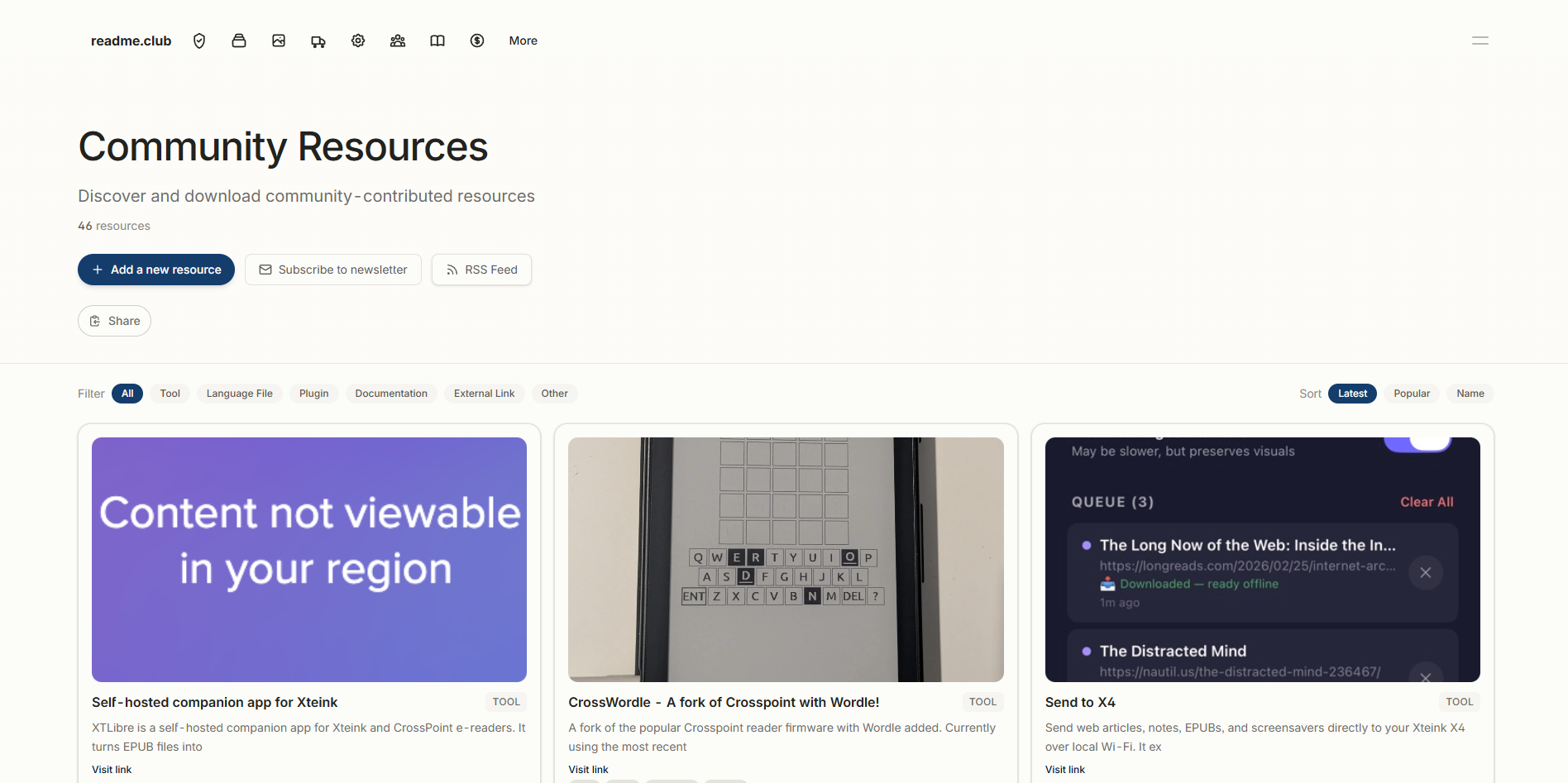
there's a growing and excited community of people creating cool projects for the X4, and it's all collated on the XTEINK subreddits, or on the dedicated but unofficial community hub readme.club, which are worth checking out.
It's fascinating to see how a tiny, flawed device has sparked so much enthusiasm among regular readers, and lapsed readers like myself. Maybe I'll finally finish The Expanse novels.